
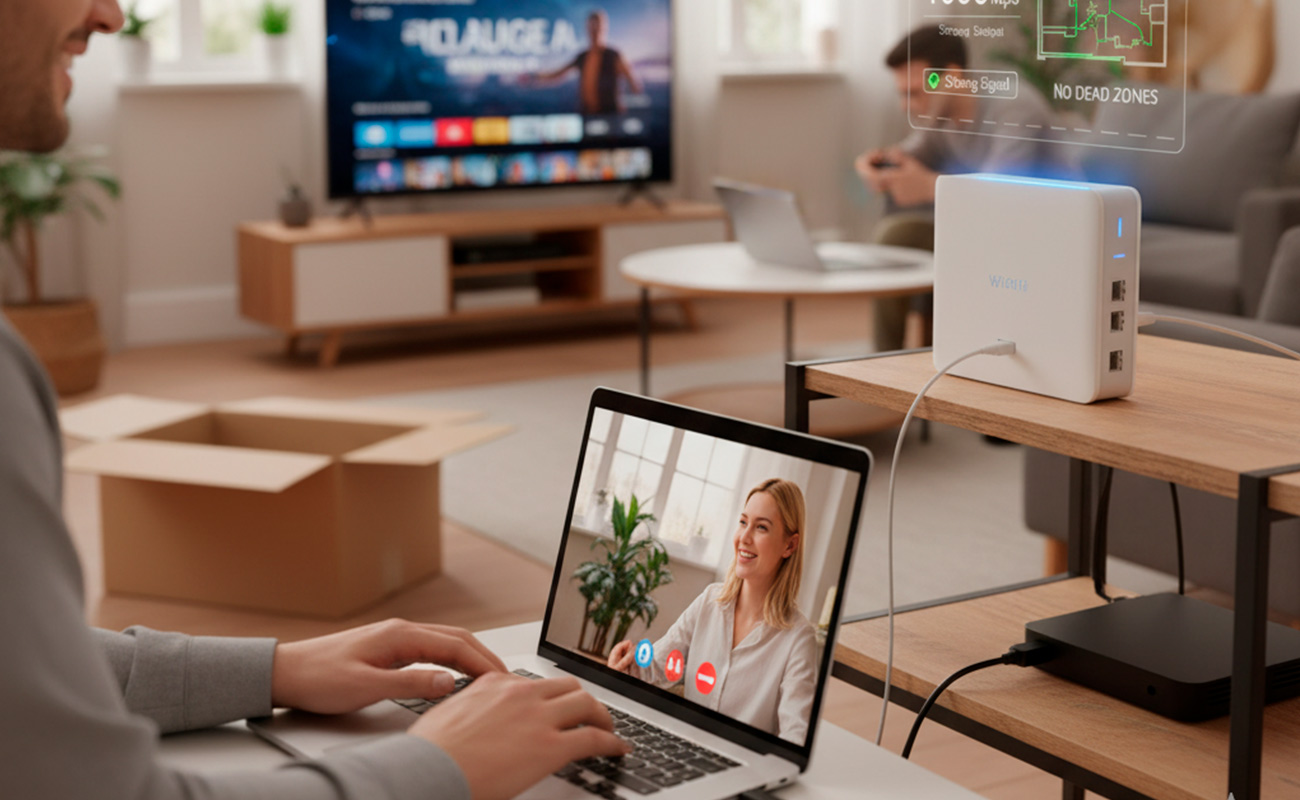
That spinning wheel of infinite loading, video calls that freeze, or the online game that kicks you out at the crucial moment... If your Wi-Fi connection is constantly frustrating you, it's very likely not your internet provider's fault. The real reason is often at the heart of your home network: the router your ISP (Internet Service Provider) gave you.
These "free" routers are often basic devices with significant limitations. In this article, we'll break down why your Wi-Fi is failing you and guide you to choose the router you truly need to squeeze the most speed out of your internet and have a robust, stable signal in every corner of your home.
1. Demystifying the Problem: It's Not Always Your Provider
Your internet provider promises you X megabits per second (Mbps), and it's likely that speed correctly reaches your home via the cable. The problem begins when that signal is distributed wirelessly.
ISP routers often have limitations in:
- Range: Weak antennas that don't cover large houses or homes with many walls well.
- Capacity (Concurrent Devices): Underpowered processors that get saturated with multiple devices connected simultaneously (mobiles, tablets, Smart TVs, voice assistants, etc.).
- Wi-Fi Technology: They may use older Wi-Fi standards (like low-end Wi-Fi 4 or Wi-Fi 5) that don't take full advantage of modern speeds.
- Inefficient Dual-Band: They don't manage the 2.4 GHz and 5 GHz bands well, leading to congestion.
The result is Wi-Fi that feels slow, drops out, or simply doesn't reach where you need it, even if you have a high-speed fiber optic connection.
2. The Keys to Robust Wi-Fi: What Truly Matters in a Router
For an uninterrupted Wi-Fi experience, look for these features in a router:
- Modern Wi-Fi Standard (Wi-Fi 6 or Wi-Fi 6E):
- Wi-Fi 6 (802.11ax): This is the current standard. It offers faster speeds, greater efficiency with multiple devices (thanks to OFDMA and MU-MIMO), and better coverage than Wi-Fi 5 (802.11ac).
- Wi-Fi 6E: An extension of Wi-Fi 6 that adds a third 6 GHz band, free from interference and exclusive for compatible devices, ideal for Gaming and Virtual Reality.
- Mesh Technology (For Large Homes): If you live in a multi-story house or one with thick walls, a single router, no matter how powerful, won't be enough. A Wi-Fi Mesh system uses multiple nodes that work together to create a single, seamless Wi-Fi network, eliminating dead zones.
- Dual-Band (or Tri-Band for Wi-Fi 6E): Ensure it is at least dual-band (2.4 GHz for range, 5 GHz for speed). Wi-Fi 6E routers are tri-band, adding the 6 GHz band.
- Gigabit Ethernet Ports: For your most important devices (desktop PC, Smart TV, consoles), a wired connection will always be the fastest and most stable. Ensure the router has Gigabit Ethernet ports (1000 Mbps).
3. Router Recommendations for Flawless Wi-Fi
Invest in a quality router and see how your home internet experience radically changes. Here are two excellent options:
Option 1: Premium Performance for Most Homes (Wi-Fi 6)
For most users with internet speeds of 300 Mbps and up, and medium-sized homes, a good Wi-Fi 6 router is a spectacular upgrade.
Suggested Product: TP-Link AX3000 (Archer AX55) Wi-Fi 6 Router
This router offers excellent value for money. With Wi-Fi 6 speeds (up to 3000 Mbps), it supports multiple devices simultaneously thanks to OFDMA and MU-MIMO. Its 4 high-gain antennas provide robust coverage, and its Gigabit Ethernet ports ensure fast wired connections. It's easy to set up with the Tether app. Ideal for 4K streaming, gaming, and remote work. TP-Link Archer AX55
Option 2: Total Coverage for Large Houses (Wi-Fi Mesh System)
If your house has dead zones or is very large, a Mesh system is the only definitive solution for seamless coverage.
Suggested Product: TP-Link Deco X55 AX3000 Whole Home Mesh WiFi 6 System (2-Pack)
This TP-Link Mesh system creates a unified Wi-Fi network that covers up to 450 m² with two units. It uses Wi-Fi 6 to deliver fast speeds and handle up to 150 devices. The transition between nodes is imperceptible, ensuring you are always connected to the strongest signal. It's perfect for eliminating dead zones and enjoying stable Wi-Fi in every corner. TP-Link Deco X55 (2-Pack)
Stop blaming your ISP. A proper router is not just a piece of equipment; it is the foundation of your digital life. Invest in a good router and transform your Wi-Fi experience from frustrating to flawless.