
That constant hum, that high-pitched whine, or worse—the sound that resembles a jet taking off... If your desktop PC has gone from being a silent ally to an annoying noise generator, it's not just affecting your concentration; it's a sign that something is wrong.
Excessive noise almost always indicates ventilation and temperature issues. Constant overheating can seriously damage expensive components. Here’s how to identify the source of the noise and the definitive solution to quietly cool your setup.
1. Locate the Culprit: Where is the Noise Coming From?
PC noise is generally classified into two types, each with different solutions:
A. Vibration and Friction Noises (Mechanical)
These noises are typically constant, dry, or resonant.
| Noise Type | Common Cause | Solution |
|---|---|---|
| Periodic clicking or screeching | Hard Disk Drive (HDD) failure. The read/write head is having problems. | Perform an immediate backup and replace it with an SSD. |
| Deep vibration or humming | Loose or improperly screwed fans. Air vibrates against the chassis or the fan hits a cable. | Tighten fan screws or secure loose cables with zip ties. |
| Loud, metallic noise | Power Supply Unit (PSU) failing. The internal PSU fan is struggling or its bearings are failing. | Requires replacing the Power Supply for safety. |
B. Airflow Noises (Fans)
This is the most common noise and manifests as a loud whirring, indicating a component is too hot.
- Cause: The CPU, graphics card, or chassis fans are spinning at maximum speed to combat heat.
- The Real Problem: The current cooling system is inefficient or obstructed.
2. Solution 1: Cleaning (The Mandatory First Step)
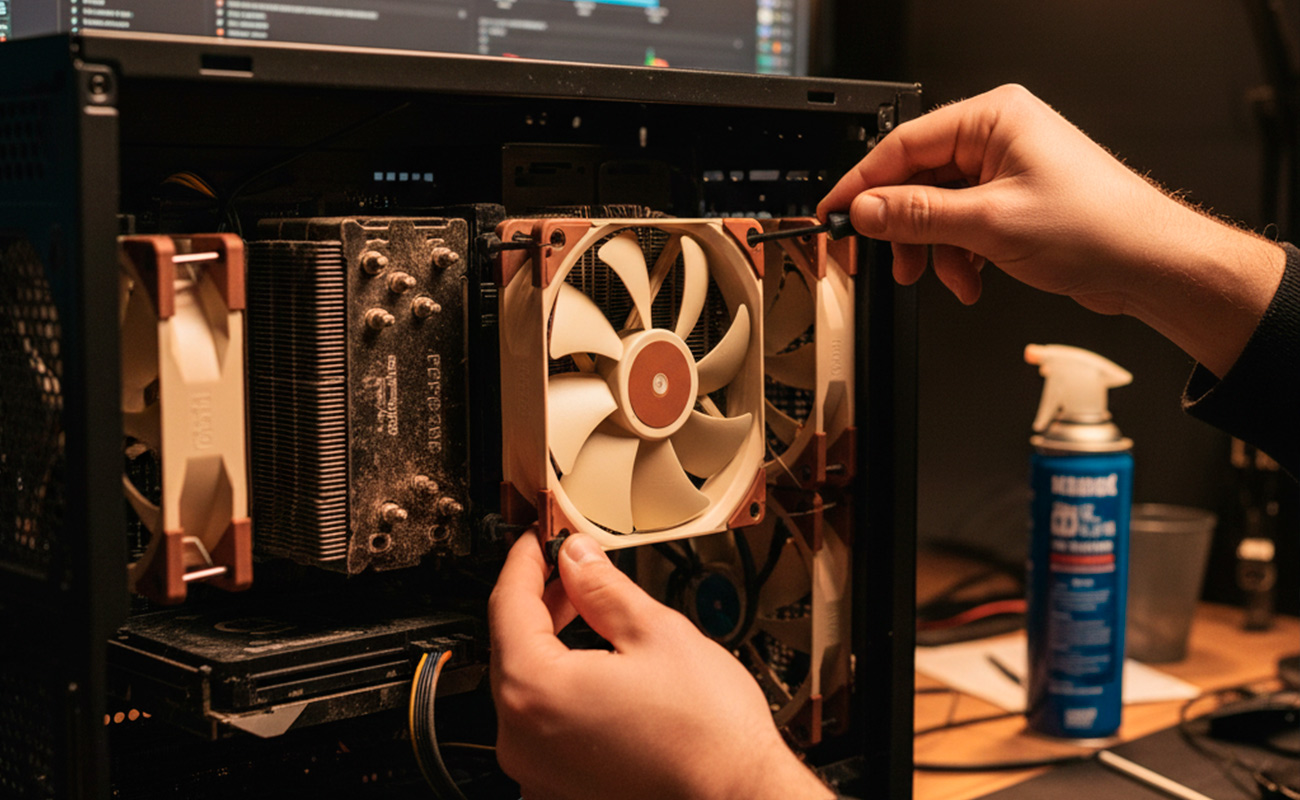
Before replacing anything, unplug your PC and remove the dust. Dust accumulates on fan blades and heat sinks (especially the CPU cooler), acting like a blanket that traps heat.
- Use compressed air: Blow air in short bursts to clear dust from the heat sinks and chassis fans.
- Secure cables: Check that no cables are near the fan blades.
3. Solution 2: Replacement (The Investment in Silence)
If cleaning doesn't work, or if your current fans are generic and low-performance, it's time to invest in high-quality chassis fans. The best silent fans use Fluid Dynamic Bearing (FDB) technology, which reduces friction and noise while maintaining optimal airflow.
Expert Recommendation: The Best Silent Fan
To achieve that "deathly silence" at your desk, you need a fan that moves a lot of air at low RPMs. Our market-leading recommendation is:
Suggested Product: Noctua NF-A12x25 PWM (120mm Fan)
The Noctua brand is the gold standard for quiet cooling. The NF-A12x25 (120mm) model combines exceptional airflow with near-inaudible noise levels, even at high speeds. It's ideal for mounting in the chassis or as a CPU fan replacement (if compatible). Its SSO2 bearing design and anti-vibration pads guarantee quiet operation and a long lifespan.
Why it's ideal? This fan moves more air than most competitors at the same or lower speed, allowing your PC to stay cool without having to "shout" to do so.
Conclusion: Peace and Longevity
A noisy PC is a stressed PC. By identifying the source of the problem, performing a cleanup, and replacing noisy fans with premium models like the Noctua, you will not only regain peace in your workspace but also guarantee the longevity and optimal performance of your most valuable components.