
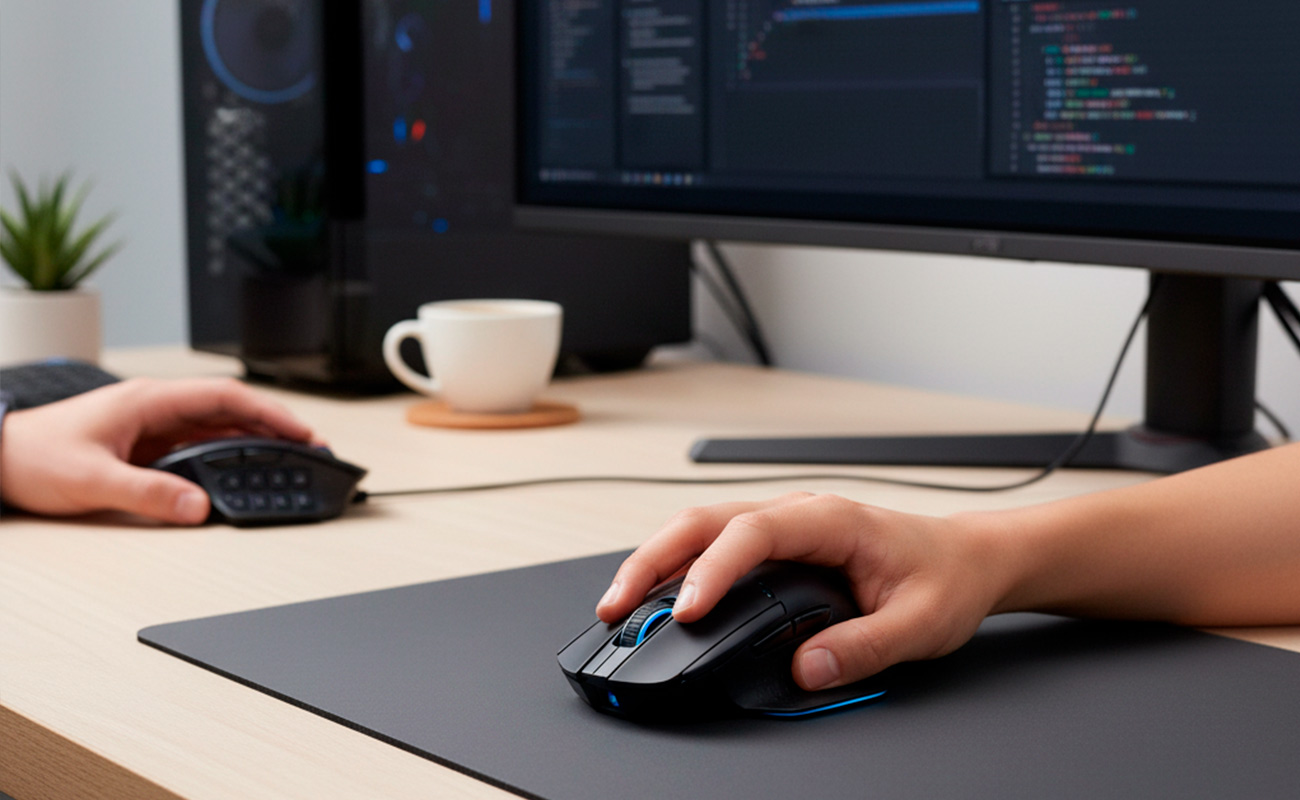
The mouse is an extension of your hand in the digital world. Yet, many of us settle for the "run-of-the-mill" mouse that came with our computer or the cheapest one at the store. But what if I told you that a mouse designed for gaming isn't just for gamers, but can be the key to skyrocketing your productivity and comfort in your daily work?
Forget the flashy RGB lights (unless you like them, of course!). Here, we'll explain why the precision, ergonomics, and advanced features of a gaming mouse make it an indispensable tool for anyone who spends hours in front of a screen, and we'll tell you which one you should consider.
More Than Just Gaming: The Productivity Advantages of a Gaming Mouse
Gaming mice are engineered to deliver superior performance under the most demanding conditions. These very features translate into huge benefits for office tasks, design, programming, or any activity requiring precision and efficiency:
- Unrivaled Precision (Adjustable DPI): A generic mouse has a fixed and limited DPI (dots per inch). Gaming mice allow you to adjust the DPI on the fly. Need to quickly move the cursor across a 4K screen? Increase the DPI. Need pinpoint accuracy to select a cell in Excel or a pixel in Photoshop? Lower the DPI. This flexibility is a game-changer for efficiency.
- Superior Ergonomics and Lasting Comfort: Designed for hours of intensive use, gaming mice often have more ergonomic shapes that better fit the hand, reducing fatigue and the risk of injuries like carpal tunnel syndrome. Quality materials and balanced weight contribute to a much more pleasant experience.
- Programmable Buttons (Macro Functions): This is one of the biggest productivity advantages. Many gaming mice have additional buttons you can program with macros. Imagine a single click to:
- Copy and paste text.
- Open a specific application.
- Execute a complex command in your code editor.
- Quickly navigate between browser tabs.
- Durability and Reliability: Built to withstand millions of clicks and rapid movements, gaming mice are typically more durable and reliable than their generic counterparts, meaning a long-term investment.
How to Choose the Perfect Gaming Mouse for Your Productivity
Not all gaming mice are created equal. Consider the following when making your choice:
- Grip Style: Do you use a palm, claw, or fingertip grip? Look for mice designed for your grip style for maximum comfort.
- Weight: Some mice are lightweight for fast movements, others heavier for greater stability. Some even allow for weight adjustment.
- Connectivity: Wireless (with crucial low latency) for freedom, or wired for maximum reliability without batteries.
- Software: Accompanying software is key for programming buttons and adjusting DPI. Make sure it's intuitive and powerful.
Gaming Mouse Recommendations to Boost Your Productivity
Here are two options that stand out for their performance, ergonomics, and functionality, ideal for any professional looking to improve their efficiency:
Option 1: The Perfect Balance (Wireless and Versatile)
If you're looking for the freedom of a wireless mouse without sacrificing performance or battery life, and with enough programmable buttons for daily tasks, this is your choice.
Suggested Product: Logitech G502 HERO Lightspeed Wireless Gaming Mouse
The G502 HERO is a legend in the gaming world and a gem for productivity. It offers exceptional ergonomics, a high-precision HERO sensor (up to 25,600 DPI), and 11 programmable buttons! Its dual-mode scroll wheel (click-by-click or hyper-fast scrolling) is perfect for navigating long documents. The Lightspeed wireless version ensures a lag-free connection. Logitech G502 HERO Lightspeed
Option 2: Ergonomic Precision (for Extreme Productivity and Comfort)
If your priority is maximum ergonomic comfort for very long workdays and a large number of buttons for macros, especially if you work with complex software or are a designer/programmer.
Suggested Product: Razer Naga Trinity Gaming Mouse
The Naga Trinity stands out for its modular versatility. It comes with three interchangeable side plates: one with 2 buttons, one with 7 buttons (circular), and one with 12 grid-style buttons. This allows you to customize your setup according to the task, ideal for assigning complex shortcuts. Its 16,000 DPI optical sensor and ergonomic shape make it comfortable for prolonged use. Razer Naga Trinity
Don't underestimate the impact of a well-designed tool on your daily routine. Investing in a good gaming mouse is investing in your comfort, your efficiency, and ultimately, your productivity. Give it a try and you'll see the difference!